Be. Your. Own. DJ Night.

BYODJ Night is a live event where the crowd controls the music from their phones. No DJ. Everyone in the room votes on what plays next. Whatever gets the most votes plays next.

How it works

Guests join on their phones, no app download required. Here's what they see once they're in.

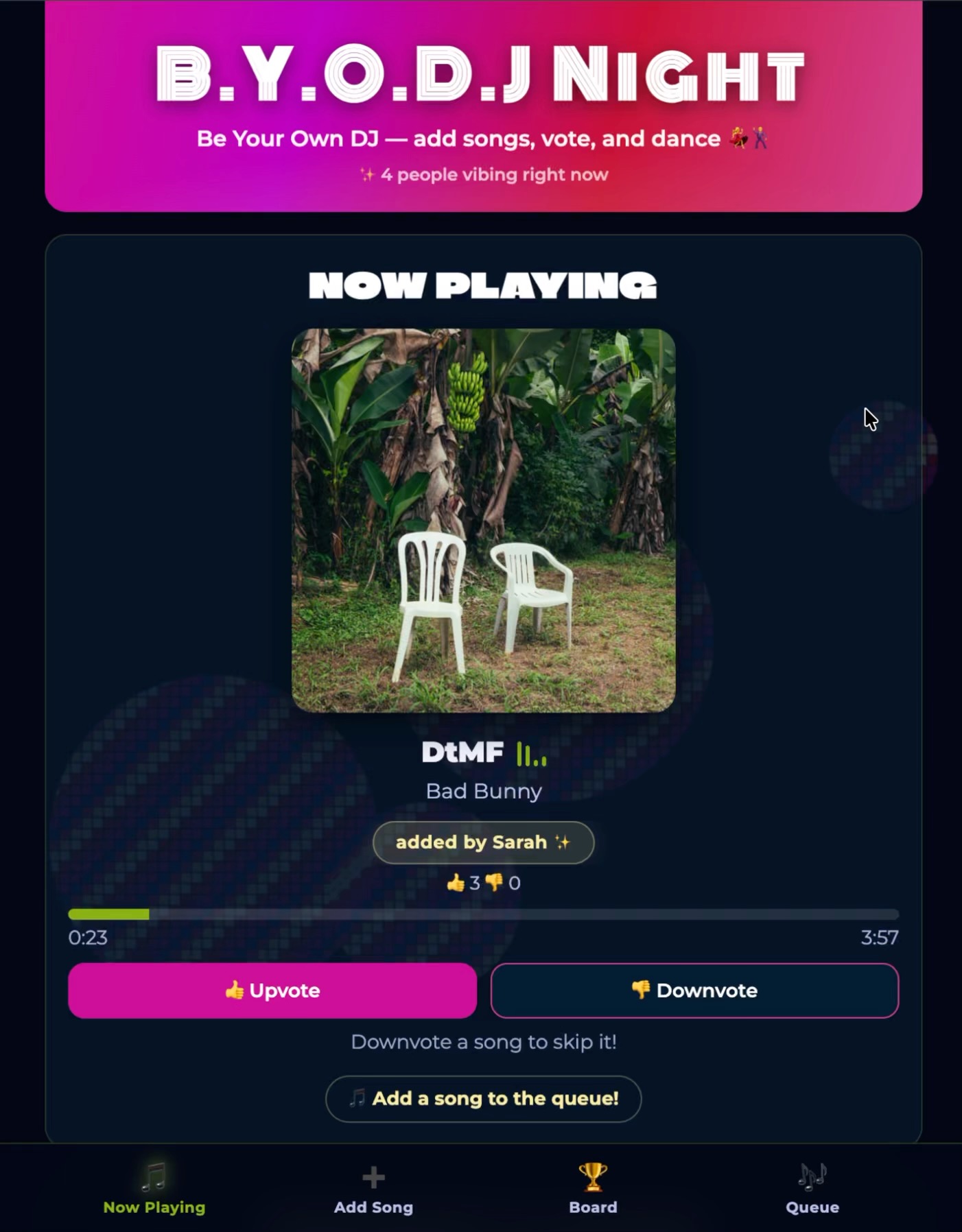
BYODJ Night app: now playing screen
01

See what's playing and vote it up or down

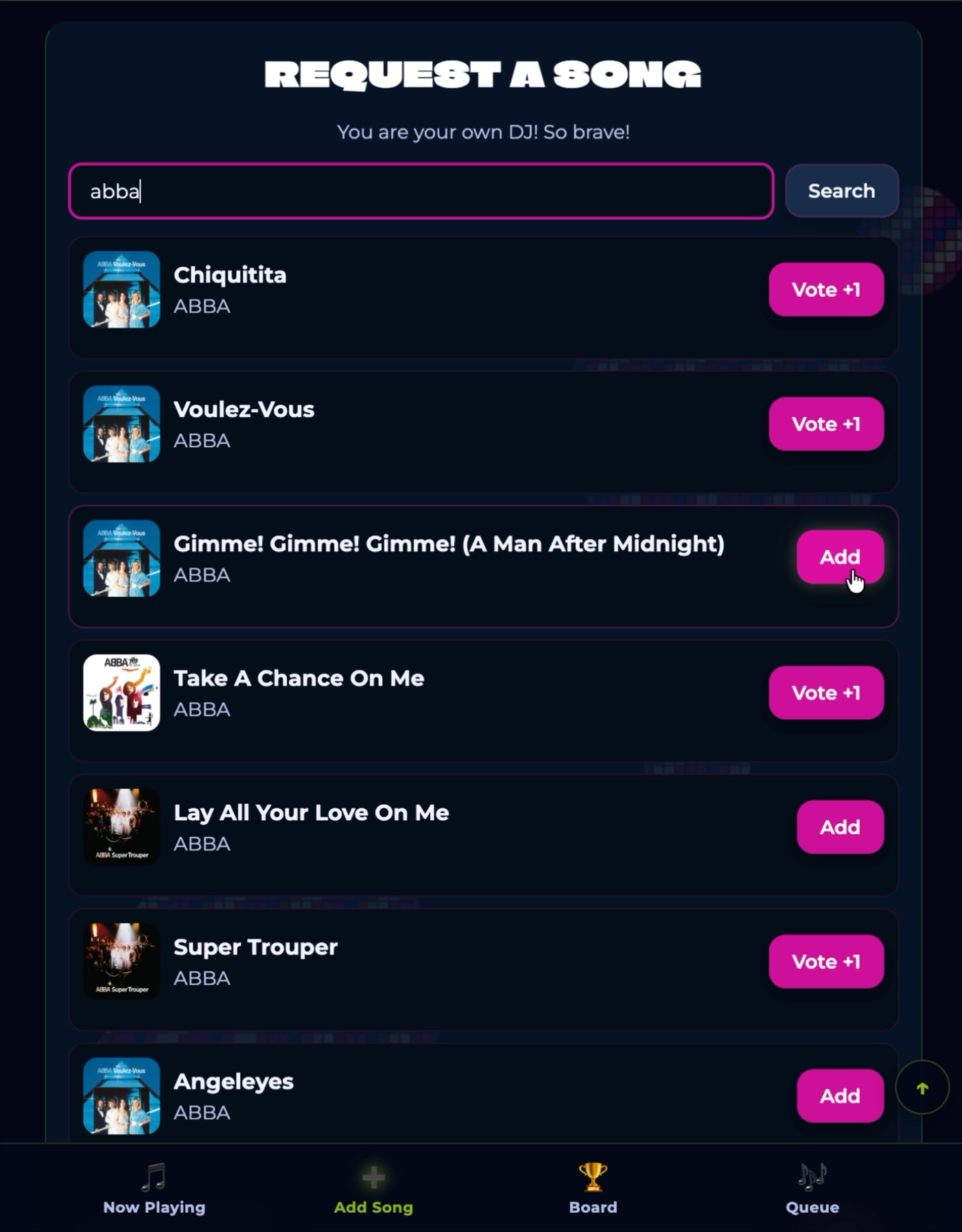
BYODJ Night app: search for a song
02

Search any song and add it to the queue

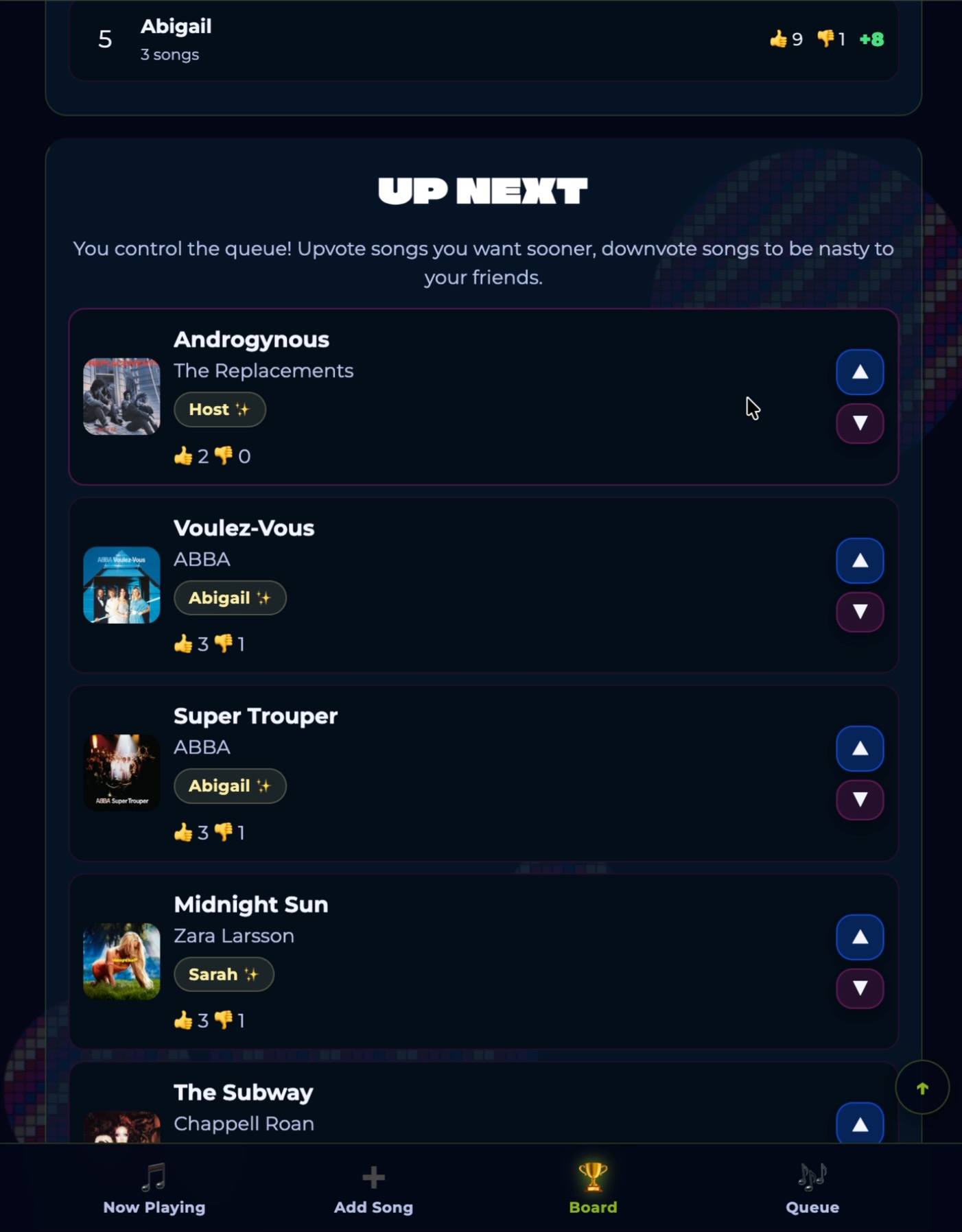
BYODJ Night app: upcoming queue
03

Vote songs up or down to shape what plays next

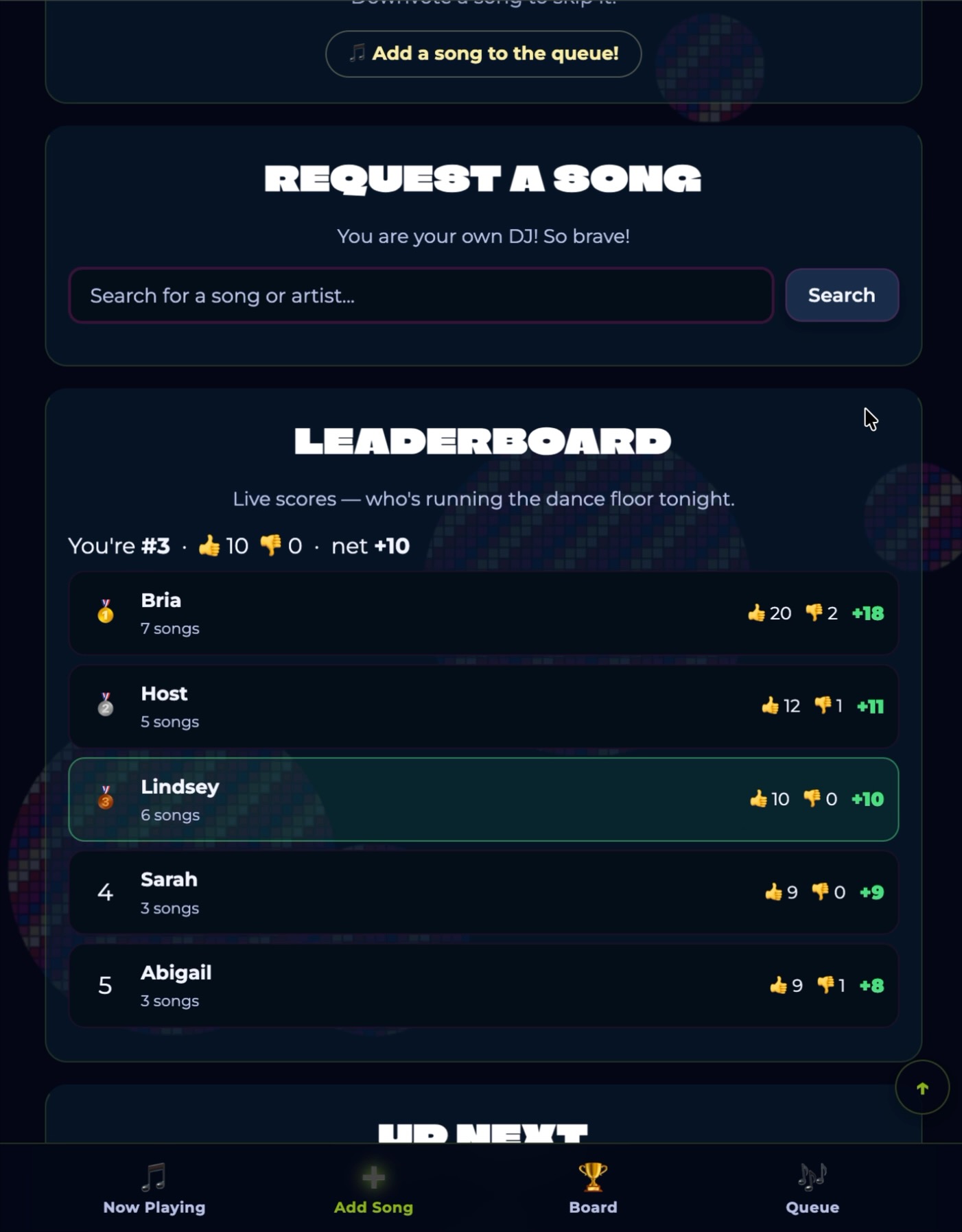
BYODJ Night app: leaderboard
04

A live leaderboard tracks who's running the dance floor

For guests

When you walk in, you'll get a party code from the host. Open byodj.app/join in your phone's browser, enter the code, add your name, and you're in. No download, no account.

Search for any song and add it to the shared queue. Adding a song gives it one automatic upvote. The whole room can vote songs up or down, and whatever has the most votes plays next. You can also vote on the current song to keep it going, or downvote it if the room's ready to move on.

Your name shows up on the songs you add. If your pick rises to the top and the room goes wild, everyone knows it was you. Bragging rights are part of the format.

Join a party → Requires active party
See upcoming events →
📱

For hosts

You get a party code before the event. Share it however makes sense: on a chalkboard by the door, on your Instagram story, in a group chat ahead of time. Only people with the code can get into the queue.

Throughout the night, you have access to host controls on your phone. From there you can skip any song at any moment, pause playback if you need to make an announcement, or reset the queue if the vibe calls for a fresh start. The crowd suggests. You decide. You never lose the room.

Setup takes about five minutes. One phone with a Spotify account, connected to your existing sound system. Want a QR code to post at the venue? We can generate one. Just ask when you book.

See host controls → Requires host password
🎛️

What a night actually feels like

Chaotic in the best way. The queue shifts constantly. Songs you forgot existed suddenly appear. Someone puts in a deep cut from 2009 and the room votes it to the top. The playlist goes from pop to country to musical theater to darkwave goth because that's what the room wanted, all at once.

There's a moment that happens at every good BYODJ Night. Someone's niche song hits and everyone looks at each other. That song would never come on at a regular night, but the crowd voted it in, and now it's happening, and the room loses it. That can't be planned. It just happens when a room full of people decides together.

DJ night vs. BYODJ Night

When the whole room decides what plays, it hits different.

A DJ night

One person curates the night based on their taste and read of the room. The crowd reacts. The DJ decides. You hope the vibe lands.

vs

BYODJ Night

The whole room votes. Every person has a say in what plays next. The playlist reflects what the crowd actually wanted to hear — not what one person thought they wanted.

Ready to bring it to your event?

We price each event individually based on what the night looks like. We'd rather run a first event at a number that works for both of us than not run one at all.

Reach out and we'll talk through it.

Book an event night

Common Questions

Do guests need to download an app?

No. Open byodj.app/join in any mobile browser, enter the party code, and you're in. No app store, no account, no setup.

What does the host need?

One phone with a Spotify account, a wifi connection, and whatever speaker or sound system you already have.

Does the venue need special wifi or AV setup?

No special AV setup. You need a stable wifi connection for the host's phone and for guests joining on theirs. Most bars and event spaces already have this covered.

Can the host override what plays?

Yes, always. Skip any song, pause playback, or reset the whole night from host controls at any point. The crowd votes, the host decides.

Can we seed the queue with a starting playlist?

Yes. Before the event we can load a playlist so there's something playing while guests arrive. Once the room gets going, voting takes over.

Can we use a QR code instead of sharing the code verbally?

Yes. We can generate a QR code that links directly to byodj.app/join with your party pre-filled. Print it, post it at the entrance, and guests scan to join. Ask when you book.

What happens if someone adds an inappropriate song?

The crowd can downvote it, and the host can skip or remove it instantly from host controls. Between community voting and host controls, nothing you don't want playing will play.

How does the leaderboard work?

When you're ready to end the night, hit the leaderboard button in host controls. It tallies automatically and shows who got the most upvotes and who had the most songs played, with gold, silver, and bronze for each. You announce the winners. Awards are up to you to supply.

How many people can join?

No hard cap. Bigger crowds make the voting more competitive, which usually makes the night more fun.

Does it work with any Spotify account?

Yes. Connect your existing account. Spotify Premium works best for uninterrupted playback. And if you don't have one, we can connect to Spotify for you!

Does it work with Apple Music or other platforms?

Not right now. BYODJ Night runs on Spotify only. If that changes, we'll update this page.

Is this the same as a DJ night?

No. A DJ curates the night for you. BYODJ Night is what happens when the crowd curates for itself. Both have a place. This is just a format that didn't really exist before.

We work great with

Host a BYODJ Night